

I discovered the hard way that Instagram’s desktop site struggles to handle 48 simultaneous page loads effectively.
Instagram’s main feed, whether in the app or browser, is unusable. You don’t see the people you want to see. You get posts from people you don’t follow. No, thank you. Instead, I avoid Instagram’s main feed and only visit specific profiles through a desktop browser.
A while ago, I bookmarked all the IWU art alumni who have an Instagram account—48 accounts in total.
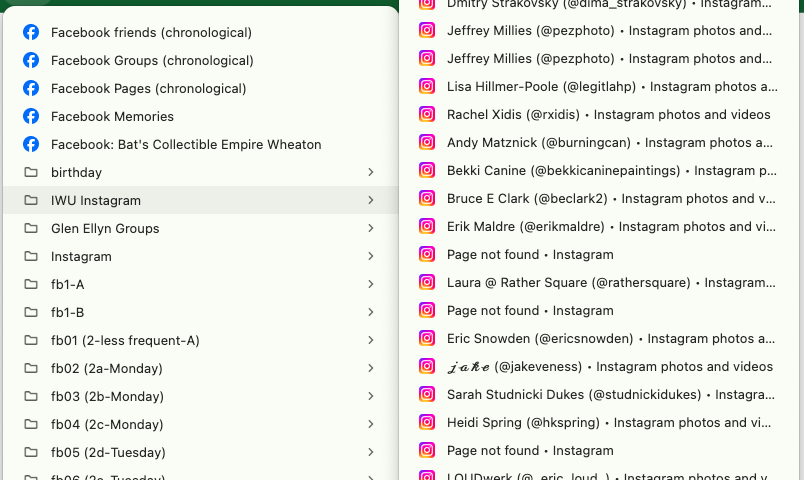
Recently, I was curious to see what people are up to. I haven’t used that folder in ages. So I loaded all 48 at once.
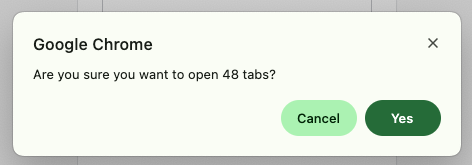
The results were disastrous.
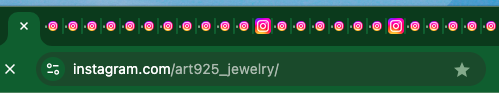
Of course, it takes a while to load 48 pages at once. But even once they “finish” loading, you can’t even move from tab to tab. When you move from one tab to the next, you are greeted with a blank page for, like, 30 seconds. The problem extended beyond just Instagram—my entire Chrome browser became unresponsive to the point where I couldn’t even close the window containing all these tabs.
The issue likely stems from Instagram’s heavy use of JavaScript, which continues to process in background tabs, or possibly the sheer weight of their desktop site architecture. While I could previously successfully load multiple Instagram tabs, it appears their site has become significantly more resource-intensive over time.
Moving forward, I’ll need to reorganize those 48 bookmarks into smaller, more manageable folders to prevent browser paralysis. Lesson learned: opening 48 Instagram pages at once doesn’t work.