

I was having some fun with Pressed Leaf Stories, where every leaf we pick up gets a date and a story written on its envelope before it goes into the book.
Do you have one of those printers that can make copies? You put something on the printer’s scanner, and hit copy, and it scans and prints out the document. It feels almost like a Xerox machine.
You can use this same feature to make “Xeroxes” of objects. I put a leaf on the scanner bed, and made a printout of the leaf.
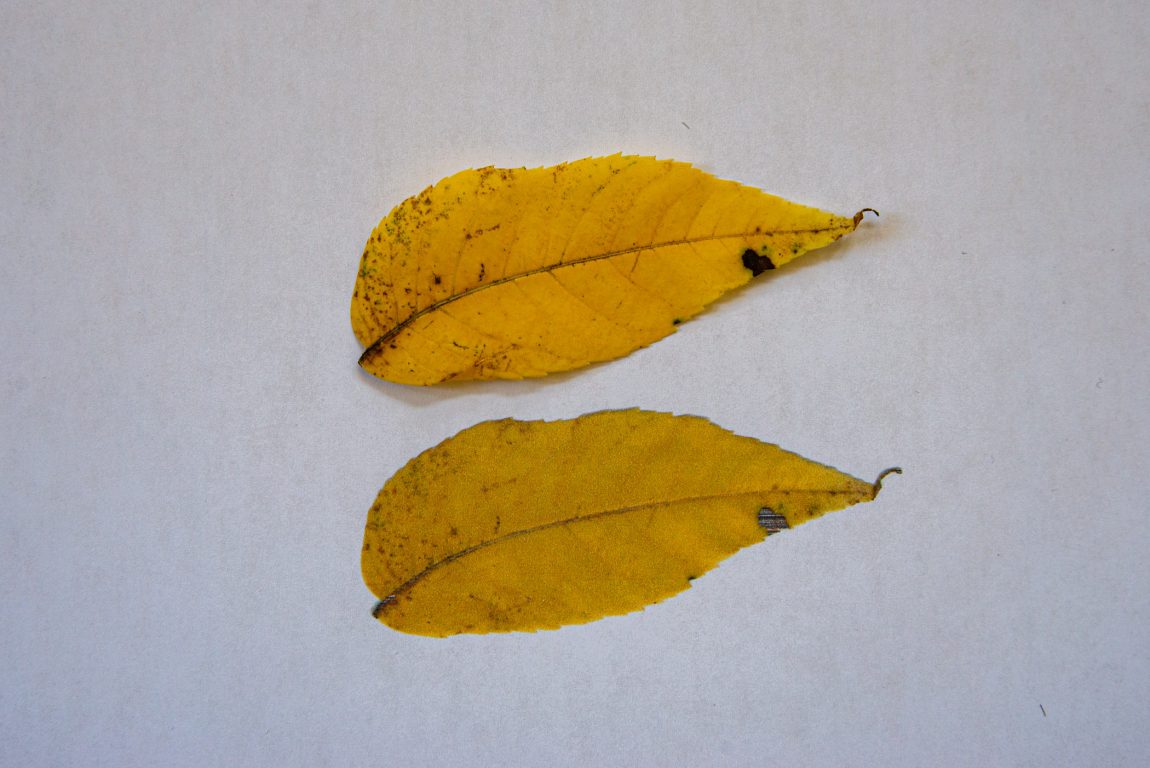
As you would expect, the printout doesn’t have the same bright color as the leaf. I’m saving the actual leaf as part of the “Pressed Leaf Stories” project. A few years from now, as the leaf gets browner, it’ll be interesting to see whether the printout ends up with brighter colors than the pressed leaf.
Scanning a real object, and then placing the real object on the printout reminds me of when I worked in Tribune Tower. I would xerox my fruit and rephotograph the fruit sitting on the xerox. A sort of still-life portrait.
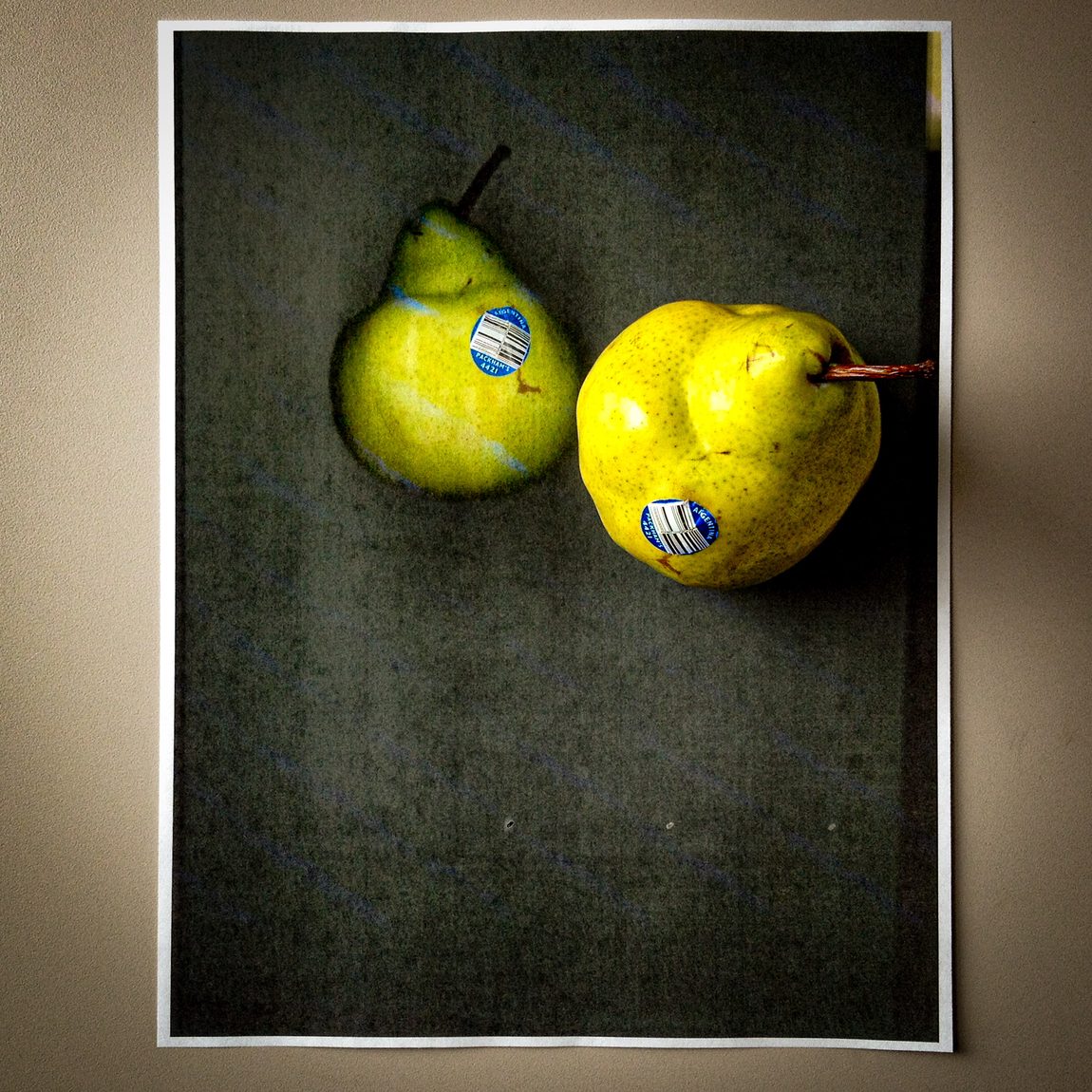
Although now I don’t have a giant Xerox machine that can print beautiful 11×17 laser tone prints. Instead, I have a $150 bulk inkjet printer. But it works good enough.
If you look closely at the black spot in the printout, the scanner glitched. My printer/scanner is pretty cheap—especially the scanner part. It didn’t know what to do with that dark black spot.
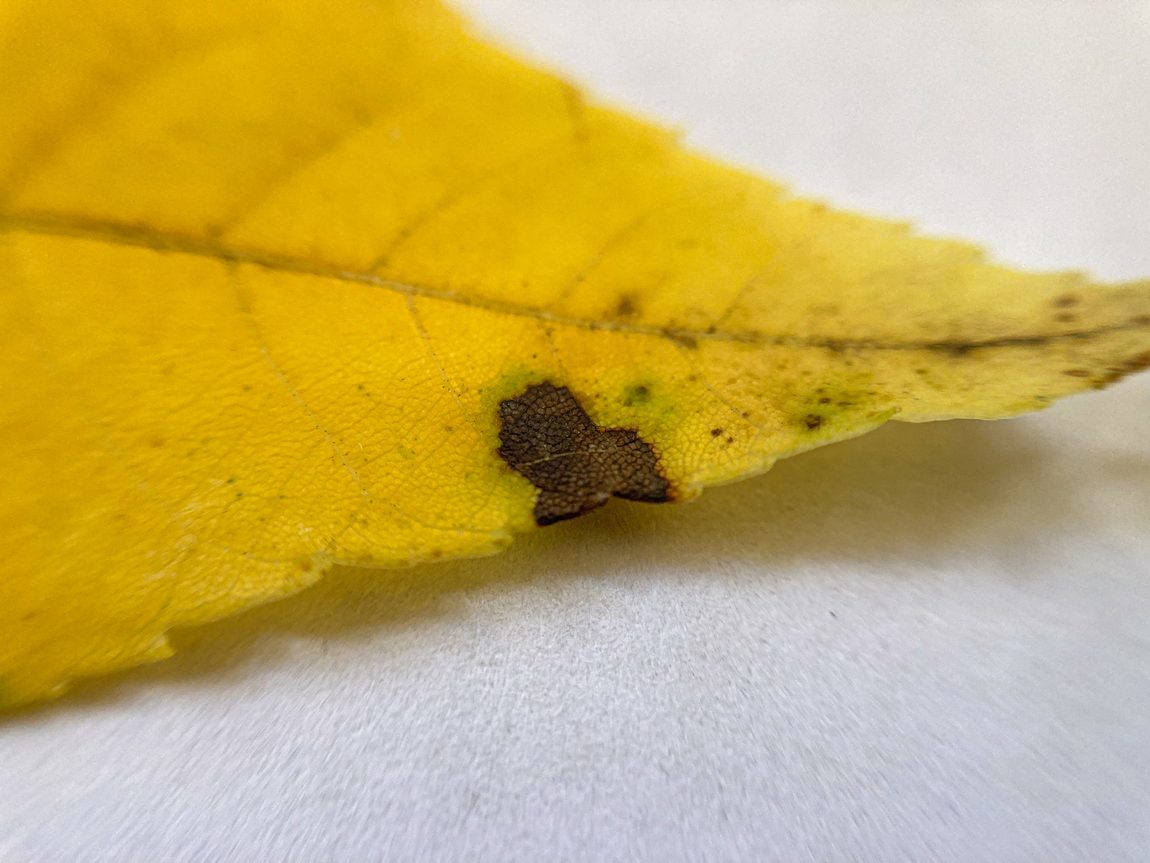
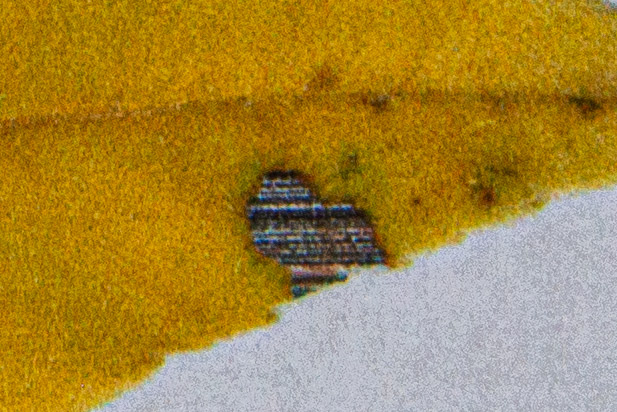
It’s almost like my printer wanted to make this natural object into a true digital object. Sew a little computer glitch patch right into the leaf. “See, now we know this is not real! It’s a leaf cyborg.”
What’s even cooler is what happened when I was photographing this printout outside. Sunlight is great. It brings out so much detail in the subject. Whenever I can, I try to photograph things in the sun instead of inside.
While photographing the real leaf, I held up the sheet to the sun to see if I can see through the paper. Indeed, you can see through the paper.
This photo has the real leaf on the OTHER side of the paper (my hand is holding the real leaf). But you can still see it, because the sun is shining through the leaf and through the paper.
That other leaf that I’m not directly holding… that’s the printout.
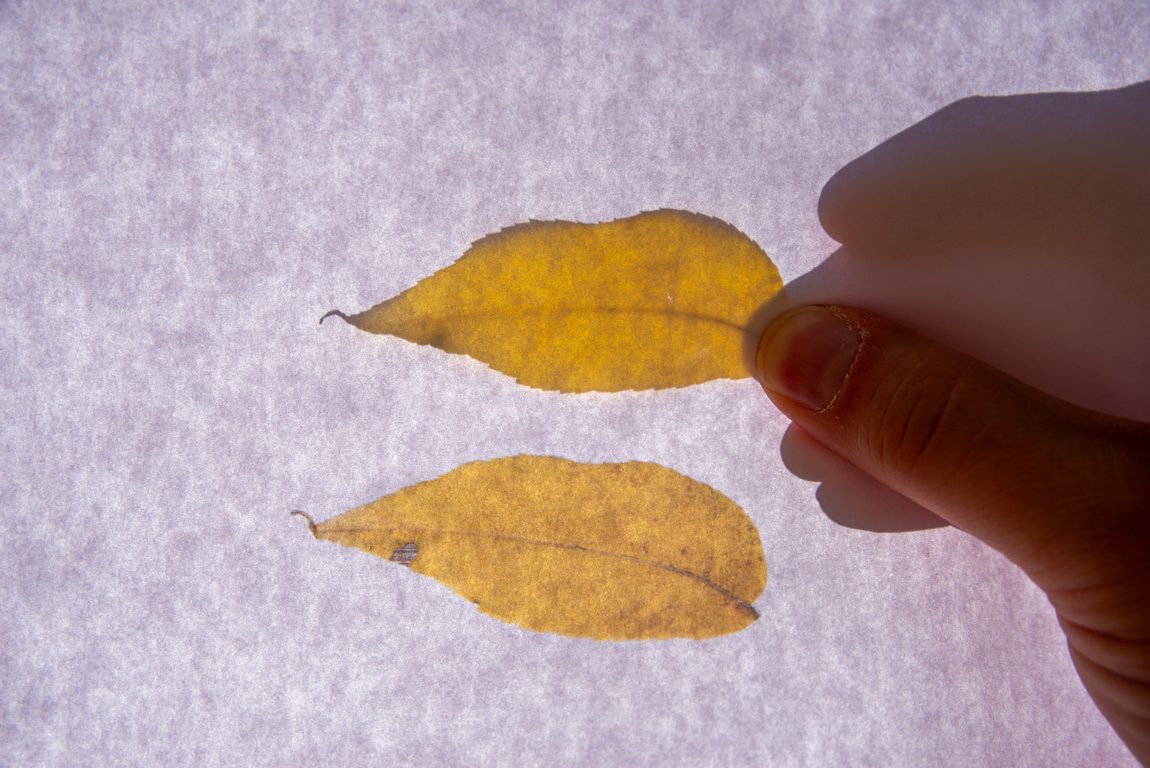
The crazy thing is that the printed leaf has more detail than the real leaf!
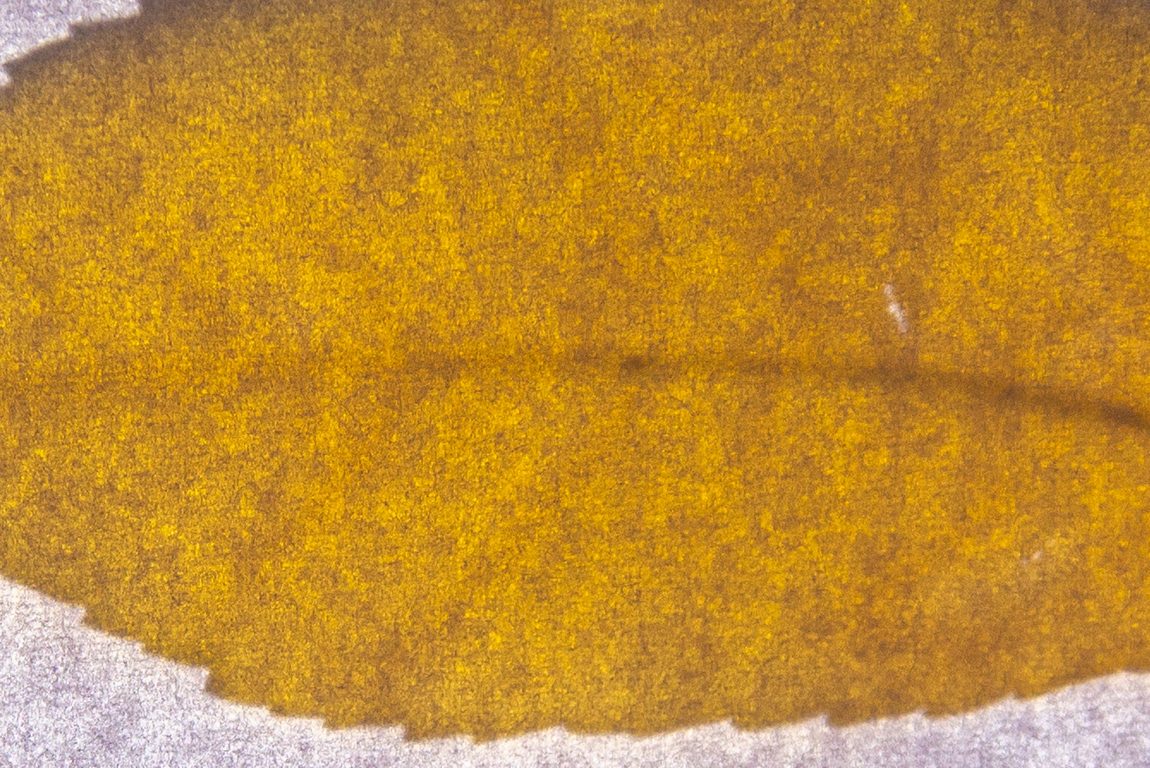
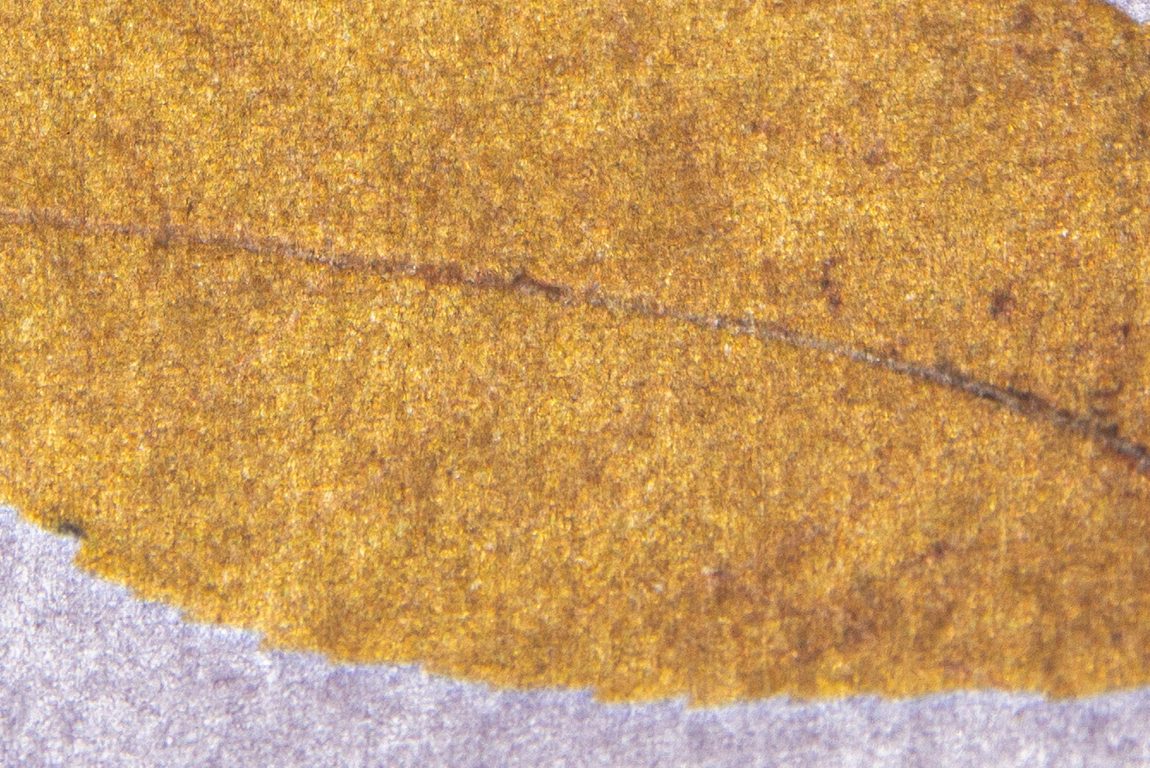
I’m guessing the printed leaf shows more detail, because the ink is absorbed into the paper. When you hold the print up to the sun, the printed part shows nicely.
The real leaf, on the other hand, is a bit blurry, because it’s not completely pressed up against the sheet of paper. If that’s confusing, here’s a video that makes it clearer.
I absolutely love scanning/photographing the back of printouts.
One time I “xeroxed” my face for the post, “Making Xerox selfies at home with your inkjet printer.” Because so much ink was printed on the paper, it bled through.


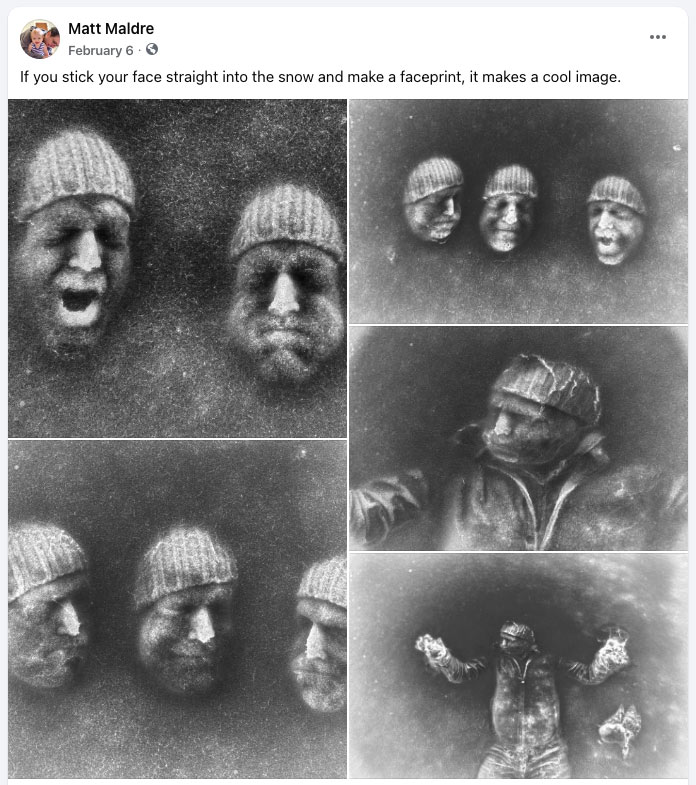
This sort of inversion reminds me of when I made these crazy faceprints in the snow. After I put my face in the snow (cold!) I photographed the result. Then I inverted the photo to get this result.
Well, that wraps up this issue of Experimenting with Media.
Wow! That printed leaf is gorgeous!
I discovered the value of having a light box when sunshine isn’t available